Procedures to Install Softphone
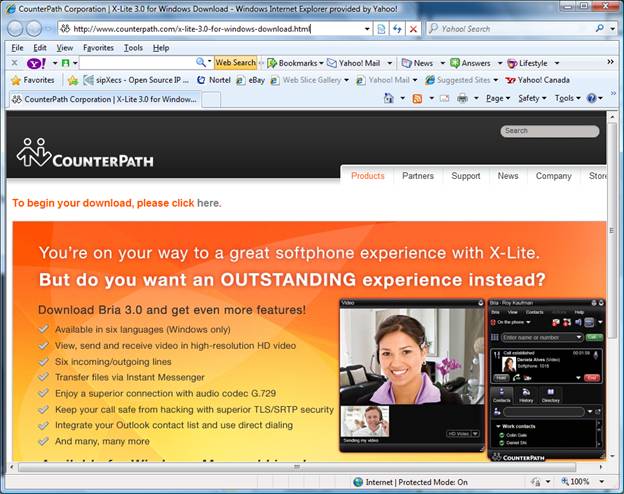
Download software by clicking on this link Download X-Lite Softphone for Windows . Wait for this screen to be displayed and click here where you see To begin your download, please click here.
Click Run when this window pops-up.
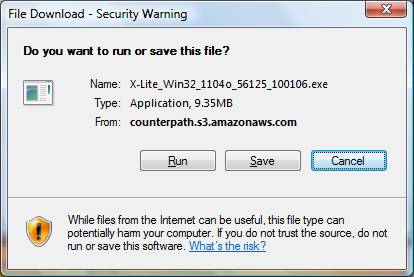
Click Run when this window pops-up.
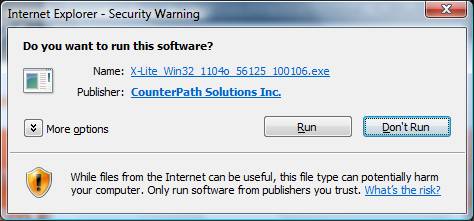
If User account Control window pops-up asking for your permission to continue, click Continue.
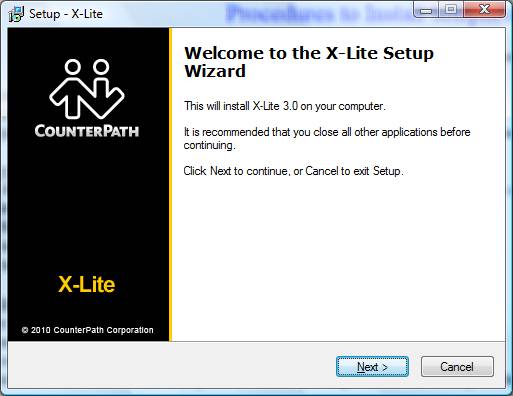
This screen will now pop-up, click Next
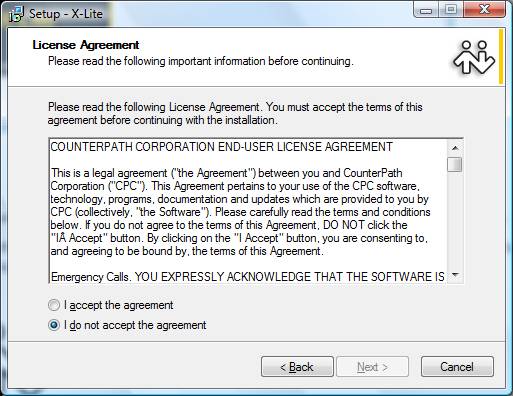
Click I accept the agreement and then click Next.
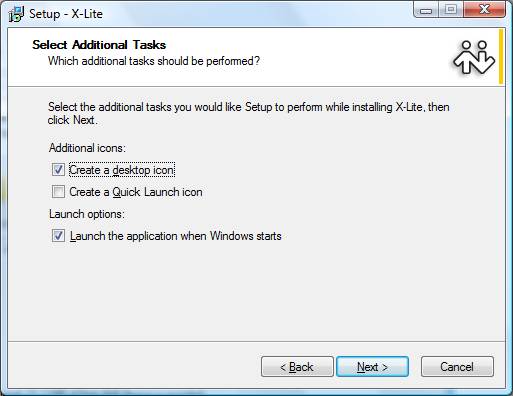
Click Next.
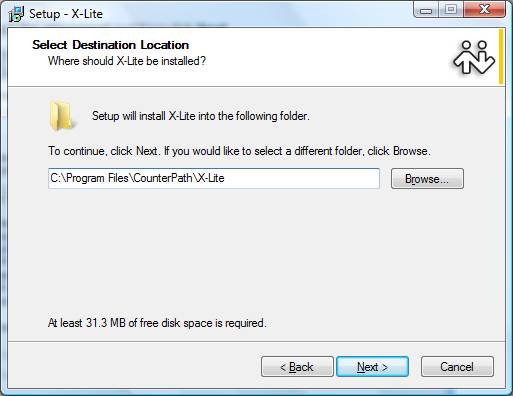
Click Next.
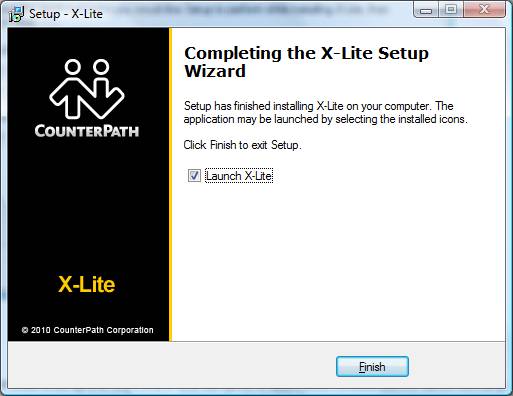
Click Finish.
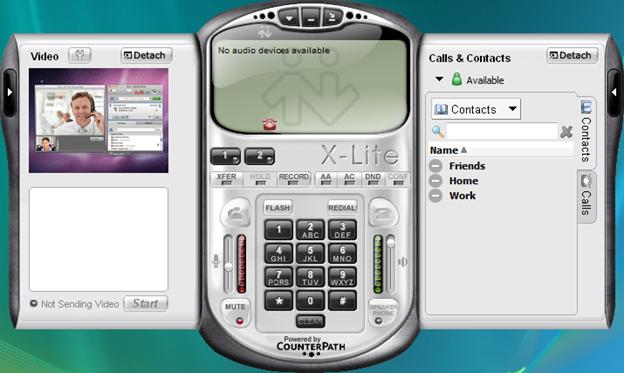
When download is complete then the X-Lite Softphone application should launch automatically as shown below.
If X-Lite softphone does not launch automatically then double click the CounterPath icon shown below that should be located on your desktop.

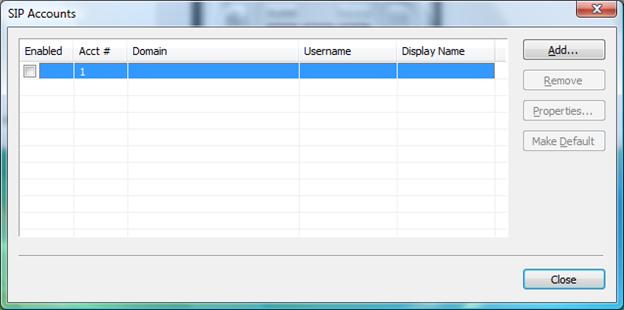
Click Add.
Click on this link to send an E-mail to obtain a Username and Password for your Softphone: support@contactema.com
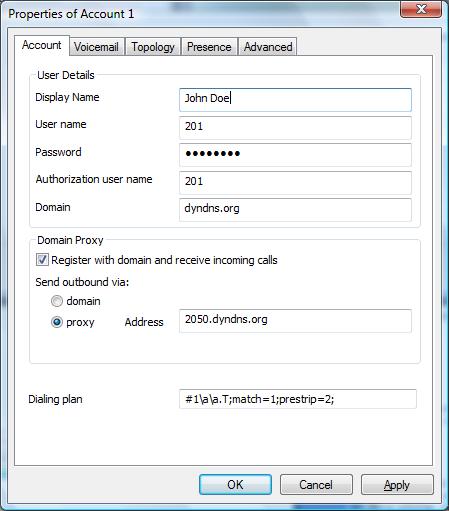
Enter Display Name: Your first name and/or first name/last name and/or nickname.
Enter User name: (Telephone extension number to be provided).
Enter Password: (SIP Password to be provided).
Enter Authorization user name: (To be provided).
Enter Domain: dyndns.org
Click proxy button and Enter Address: 2050.dyndns.org
Click Apply
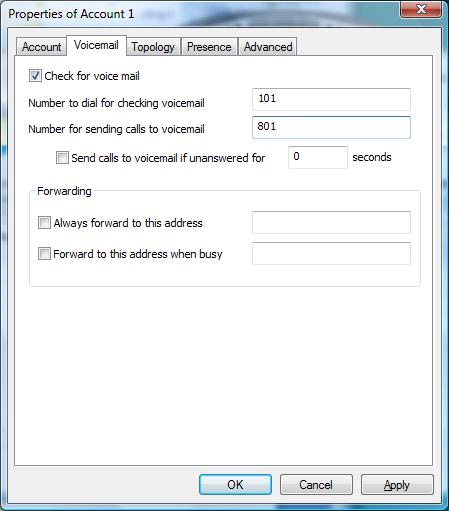
Select Voicemail Tab and enter 101 and 801 as shown below and click Apply.
Click Topology tab and click Use local IP address and click Discover server and click Enable ICE to clear the button and click Apply.
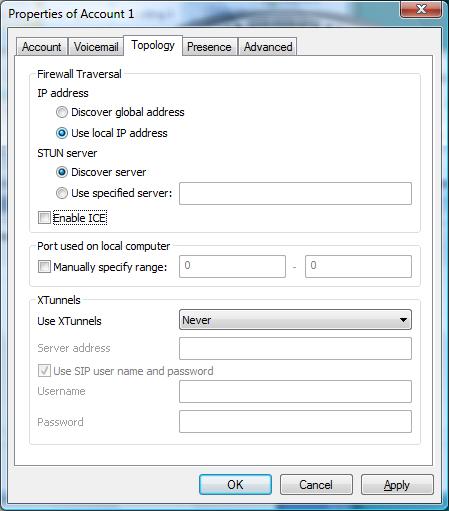
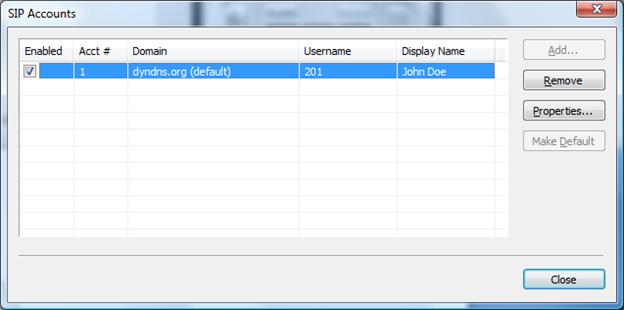
Click Okay. Click Close.
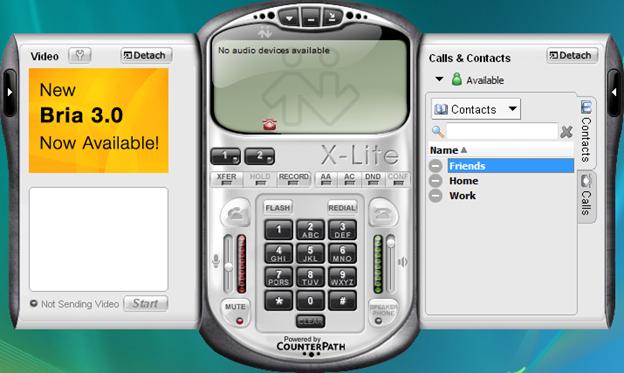
Right Click Friends and select Add Contact.
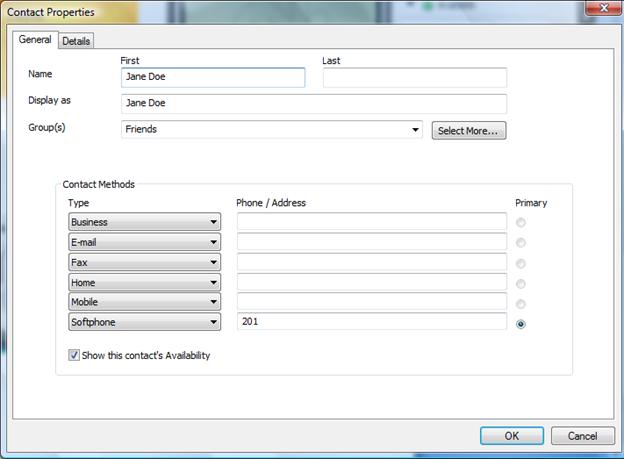
Enter Name and enter 201 (telephone extension) next to Softphone Type and click Show this contact’s Availability.
Your softphone is now ready to make calls. Enjoy.